Applied AI & API platforms
Collect USD/EUR revenue into supported virtual accounts and fund cards or payouts from one central balance.
Collect and hold operating balances across supported USD and EUR virtual accounts. Control GPU cloud, API, and SaaS burn with virtual corporate cards. Pay global teams from one account—and optionally connect AI CFO to automate bookkeeping.
Infini provides one financial platform to collect customer payments, hold operating balances in supported currencies, control cloud and SaaS spend with cards, and pay remote researchers, contractors, and vendors—without stitching together disparate tools.
Collect USD/EUR revenue into supported virtual accounts and fund cards or payouts from one central balance.
Control GPU cloud, model API, and SaaS burn using virtual corporate cards with limit and approval controls.
Invoice international clients, hold runway, and pay cross-border freelancers across supported rails.
Pay distributed researchers and vendors worldwide while keeping full spend visibility in one dashboard.
Fund your account via supported USD/EUR virtual accounts, payout settlements, or eligible balances. Use that central balance to issue virtual cards, run international payouts, and optionally connect AI CFO to automate bookkeeping on the same stack.
Receive payments via supported USD/EUR virtual accounts and view runway from a single multi-currency balance.
Issue virtual corporate cards for GPU cloud, model APIs, ads, and SaaS with custom limits and approvals.
Execute global payouts to team members and vendors, then add AI CFO when you need automated receipt matching and accounting sync.
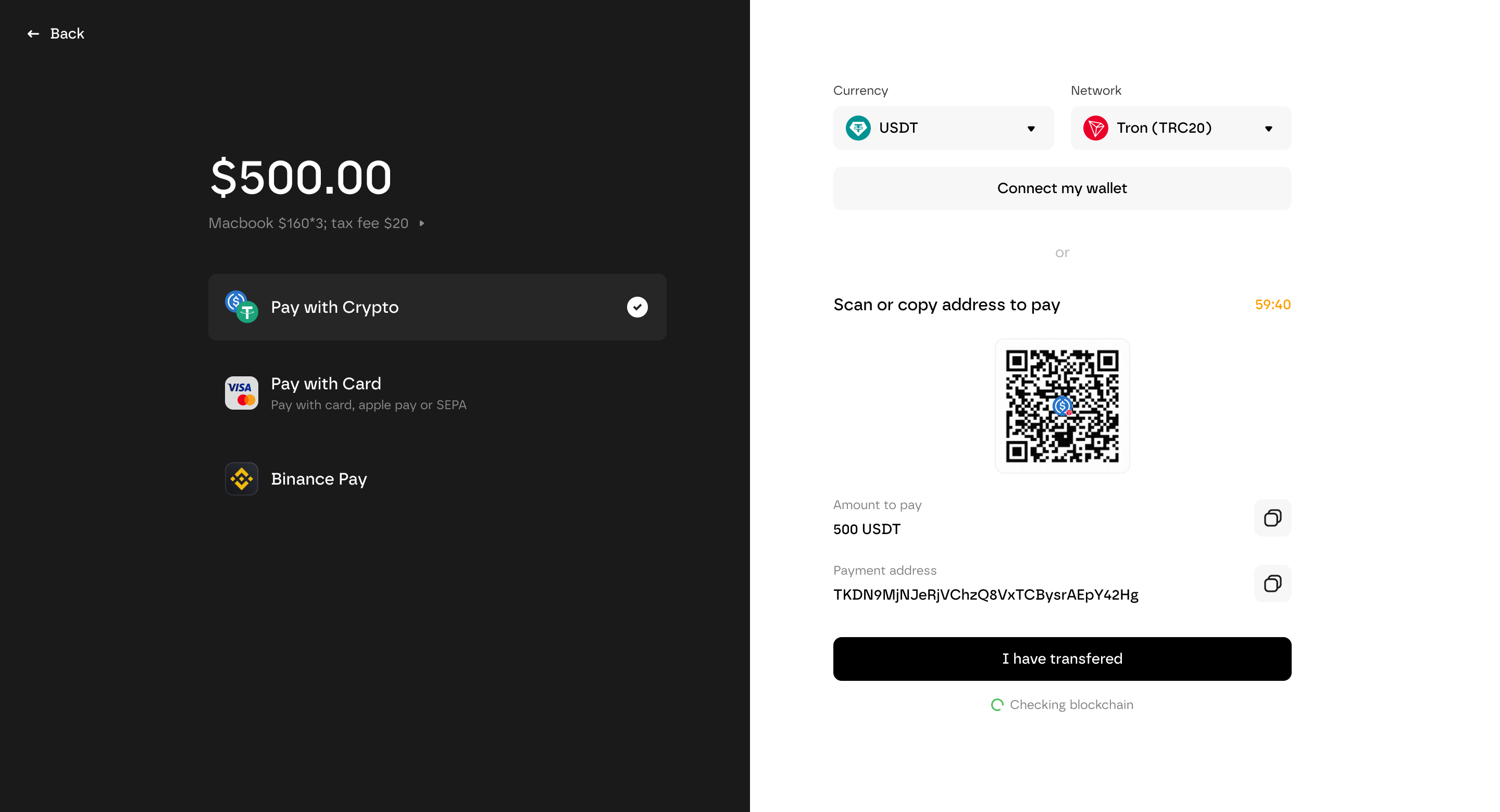
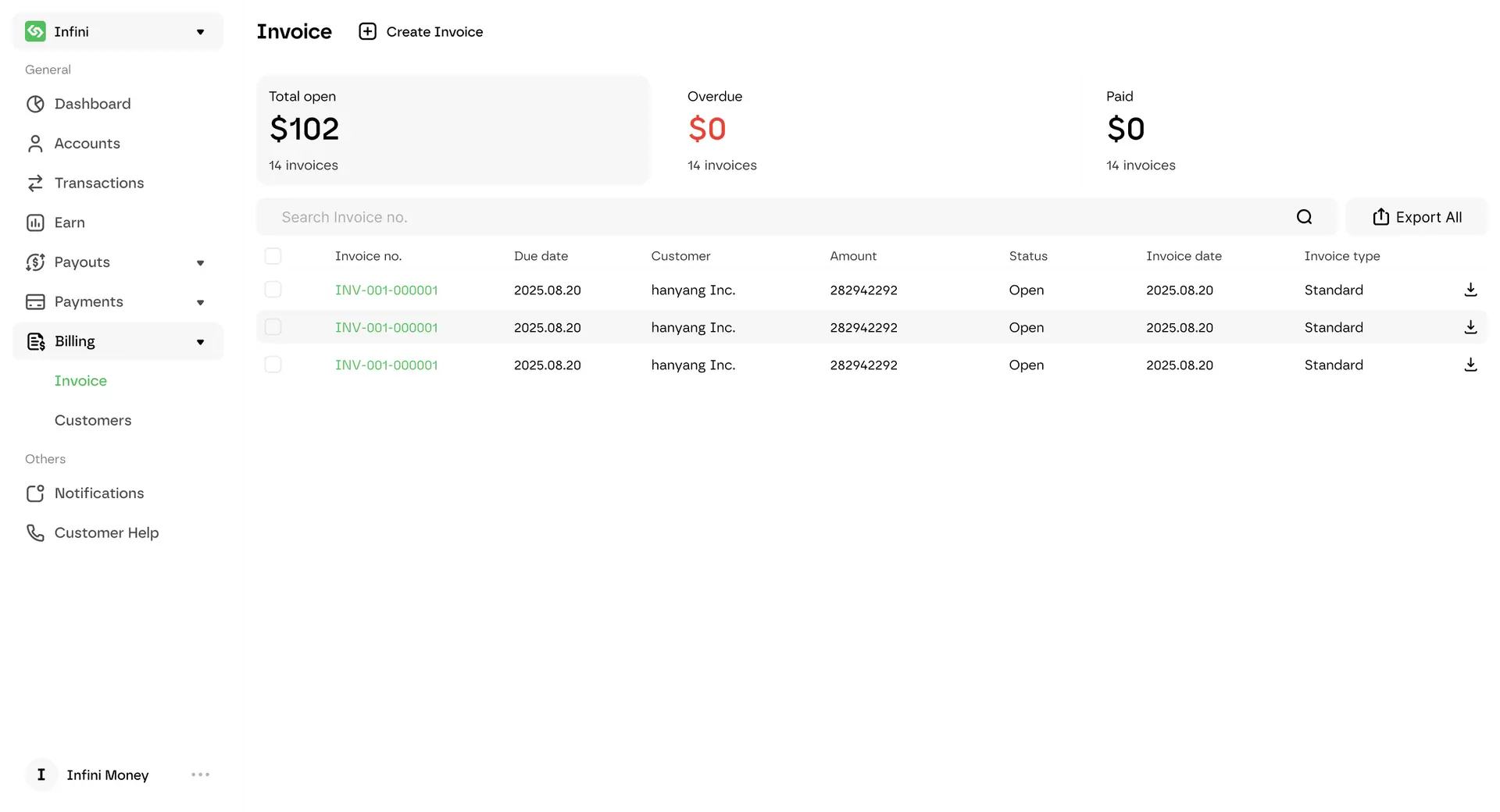
Accept USDC, USDT, and supported payment rails alongside cards. Settlement stays on the same Infini account you use for cards and payroll. Checkout, Payment Links, invoicing, or API—implementation details and current pricing live on the payments product page.









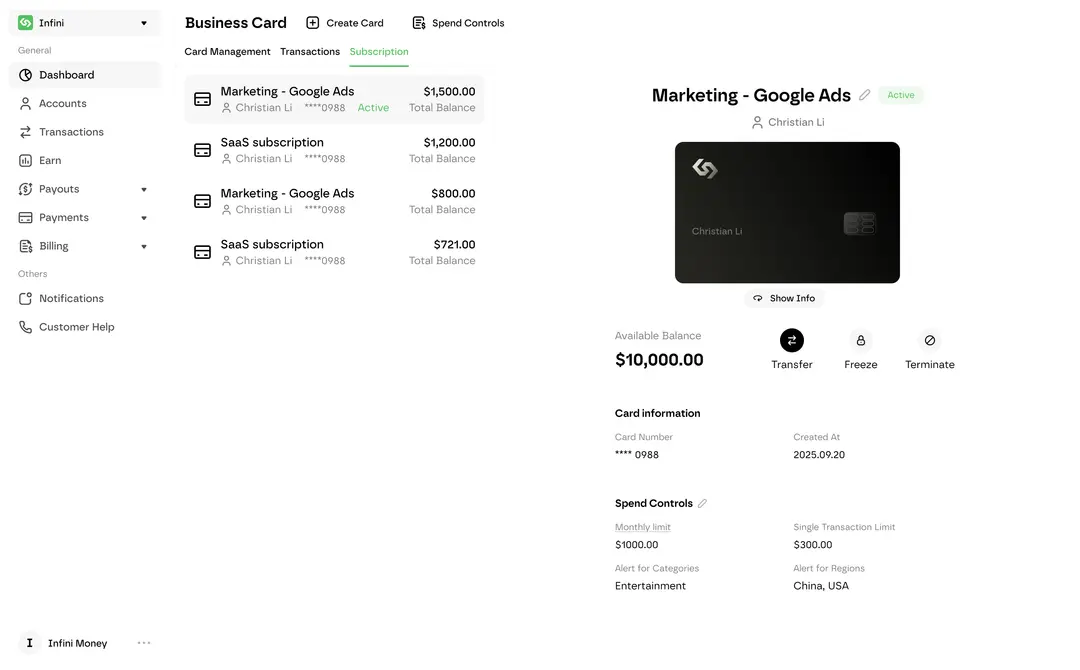
Issue virtual corporate cards from the same account that holds your eligible USDC or USDT. Use them for ads, SaaS, cloud, and online tools. Budget limits, freeze/terminate, and card details are on the corporate cards page. Card issuance depends on jurisdiction and may be unavailable in some regions.
See the corporate cards page for card program terms and available rewards.
Run contractor payouts, vendor bills, and team payments from the same operating account. On-chain transfers, approvals, and receipts are part of payroll and bill pay. Coverage for bulk fiat payouts depends on the current product; see the payroll and bill-pay pages.
AI CFO is an optional accounting module on the same Infini stack. Connect it after cards and payouts are running to help match receipts, categorize spend, and sync with supported accounting tools. Full product capabilities live on the AI CFO product page.
Open your Infini account, enable eligible USD/EUR virtual accounts and payment rails, issue virtual cards for AI spend, then expand to global payouts and optional AI CFO. Developer docs provide API access and sandbox details.
Complete business verification, activate eligible USD/EUR virtual accounts, and view consolidated balances.
Issue virtual cards for cloud, API, ads, and SaaS with built-in limits and approvals.
Run global payouts and optionally connect AI CFO for automated bookkeeping on the same stack.
Role permissions, audit logs, card limits, and dual-approval payout workflows help finance leads keep high-velocity AI spend under control. Account structure and verification details are available at Security and Compliance Statement.
SOC 2 Type II and PCI-DSS Level 1 compliance (as stated on Infini security pages)
Read our Compliance Statement for legal, regulatory, and corporate licensing details. Local fiat accounts and payout routing are operated by regulated partner institutions where applicable. Feature availability depends on jurisdiction, entity status, and qualification. Technical security controls: Security.